Steps:
First you need to enter terminal mode
1. Reboot
2. Hold apple key (or command) + s key down after you hear the chime.
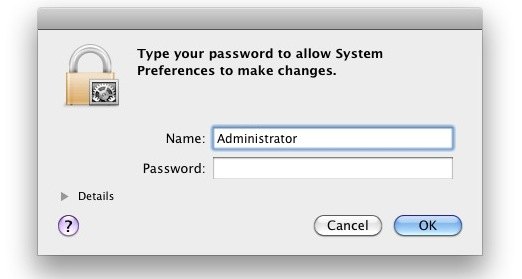
3. When you get text prompt enter in these terminal commands to create a brand new admin account (hitting return after each line)
:/ root# mount -uw /
:/ root# rm /var/db/.AppleSetupDone
:/ root# shutdown -h now
4. After rebooting you should have a brand new admin account.
From Here: http://www.youtube.com/watch?v=Og-RiQgjBEY
Open your facebook > Settings > Account Settings > Notifications > Click Edit at the Email > Check button - Only notifications about your account, security and privacy and Close
That's it kha :) enjoy !!
All notifications, except the ones you unsubscribe from
Only notifications about your account, security and privacy
1. Win+R (Run Box) >Regedit > OK or Enter
2.HKEY_LOCAL_MACHINE >System >CurrentControlSet >Control >StorageDevicePolicies
3. Look on the Right Hand ! you'll see > WriteProtect
4. Double Click on it and change Value Data '1' to '0'
Then Exit ........That's it !